

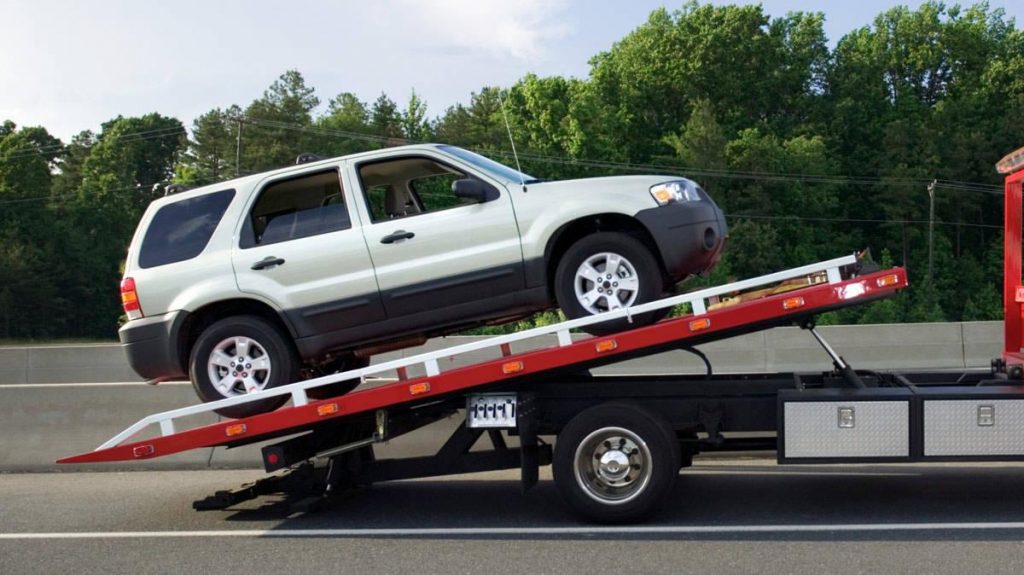
In the unfortunate event of your vehicle being seized due to a traffic violation, navigating the process of retrieving it can be daunting. However, with the assistance of Absher, the Saudi Ministry of Interior’s advanced digital platform, tracking and managing your seized vehicle has become more convenient than ever before. In this comprehensive guide, we will walk you through the step-by-step process of efficiently tracking a seized vehicle on Absher, ensuring you are equipped with the necessary knowledge to handle such situations with confidence.
Understanding the Vehicle Seizure Process
Before delving into the intricacies of tracking a seized vehicle on Absher, it’s essential to grasp the post-seizure process. When a vehicle contravenes specific traffic regulations, authorities may impound it as a disciplinary action. To retrieve your seized vehicle, you are required to settle the violation fine at the designated station where the vehicle is stored. Previously, accessing information regarding the status of your seized vehicle posed significant challenges. However, technological advancements have streamlined this process, allowing individuals to effortlessly monitor and track the whereabouts of their seized vehicles online.
Step-by-Step Guide to Checking Seized Vehicle Details on Absher
Here’s a detailed, step-by-step guide to accessing and reviewing the details of your seized vehicle on Absher:
1. Visit the Absher Portal
Begin by visiting the official Absher website at https://absher.sa/.
2. Choose Language and User Type
Upon reaching the Absher website, select “Individuals” as your user type and set your preferred language to “English.”
3. Login to Absher
Using your designated user credentials, log in to your Absher account.
4. Navigate to Vehicle Services
Once logged in, locate and click on the “Vehicle Services” option from the available menu.
5. Access Inquiries
Within the Vehicle Services section, locate and click on the “Inquiries” option.
6. Select Seized Vehicle Inquiry
Within the Inquiries section, identify and click on the “Seized Vehicle Inquiry” option.
7. Review Seized Vehicle Details
Upon selecting the Seized Vehicle Inquiry option, you will be presented with comprehensive details pertaining to your seized vehicle, including its location and date of seizure.
By following these straightforward steps, you can efficiently track and monitor the status of your seized vehicle on Absher, ensuring timely resolution and peace of mind.
Conclusion
In conclusion, the ability to track a seized vehicle on Absher provides individuals with a convenient and efficient solution to manage such situations. By leveraging the platform’s user-friendly interface and comprehensive functionalities, users can effortlessly access vital information regarding their seized vehicles, facilitating prompt resolution and alleviating associated stress. As technology continues to advance, platforms like Absher play a crucial role in enhancing accessibility and transparency in various administrative processes.
