

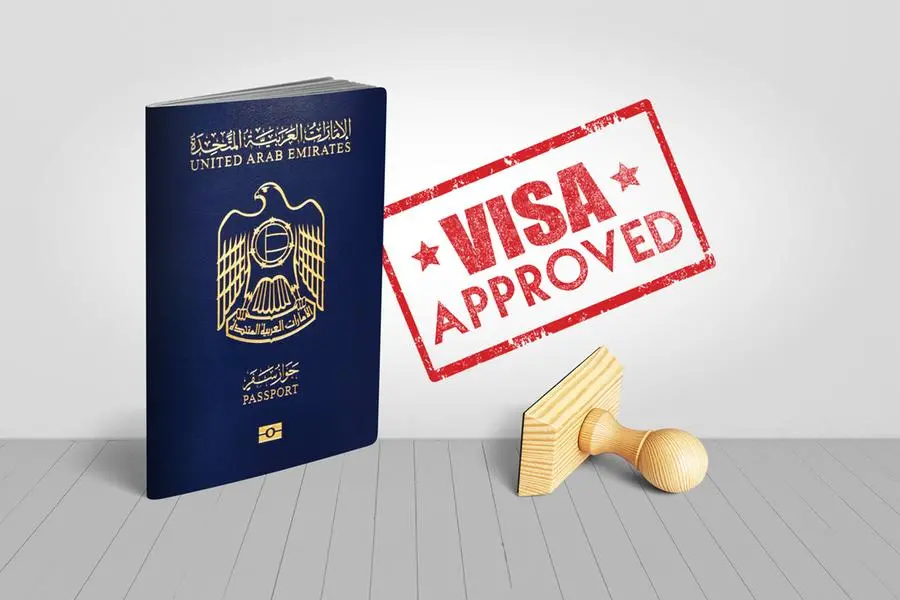
The United Arab Emirates (UAE) stands as a beacon of modernity and cultural richness, drawing millions of visitors annually. For Gulf Cooperation Council (GCC) residents and Saudi Iqama holders, securing a UAE e-Visa is a crucial step to explore this dynamic nation. In this comprehensive guide, we will walk you through the detailed process of applying for a UAE e-Visa, ensuring a seamless and hassle-free experience.
Requirements for Applying for a UAE e-Visa for GCC Residents
- Valid GCC Residency: To apply for a UAE e-Visa, you must possess a valid GCC residency permit (Iqama) with at least three months of validity remaining. This ensures compliance with UAE immigration regulations.
- Eligible Profession: Your profession should fall under categories deemed eligible for a UAE visit visa. Typically, these include managerial, professional, and technical occupations.
- Passport Validity: Ensure that your passport remains valid for at least six months from your intended date of entry into the UAE. This is a standard requirement for most international travel.
- Passport-sized Photographs: Provide clear passport-sized photographs with a white background, meeting the specifications outlined by the UAE immigration authorities.
- Valid Payment Method: Have a valid credit or debit card ready for online payment of visa fees, as required during the application process.
Important Note: It’s imperative to note that if your Iqama expires before or upon arrival in the UAE, entry will be denied. Additionally, any changes to your profession after visa issuance may lead to the cancellation of your visa.
Visa Validity
Upon approval, the e-Visa granted to GCC residents is typically valid for 30 days from the date of arrival in the UAE. However, it can be extended for an additional 30 days, providing flexibility for longer stays.
How to Apply for UAE e-Visa as a Saudi Iqama Holder
For Saudi Iqama holders seeking a UAE E-Visa, the application process can be conveniently completed through authorized online platforms such as GDRFA Dubai or ICP – Federal Authority.
Step-by-Step Guide for Applying via GDRFA Dubai
- Visit the GDRFA Website: Begin by accessing the official website of the General Directorate of Residency and Foreigners Affairs (GDRFA) Dubai through the following link: GDRFA Website.
- Account Registration: If you do not already have an account, proceed to register by selecting “Individuals” and then clicking on “Register now.” Enter the required details accurately to create your GDRFAD account.
- Account Activation: Upon registration, activate your account by verifying the provided email address. Follow the instructions to input the verification code received via email.
- Login and Application Submission: Log in to your GDRFAD account and select “New Application.” Choose “NEW GCC Entry Permit” followed by “GCC Residents” to initiate your UAE e-Visa application.
- Complete Application Form: Fill in the online visa application form with precise details regarding your GCC residency, trip information, sponsor details, passport particulars, personal information, and contact details.
- Document Upload: Upload the necessary documents, including a passport-sized photograph, copy of your Iqama, and copy of your passport, as per the specified requirements.
- Fee Payment: Proceed to pay the visa fee using your debit or credit card. The approximate fee for a UAE e-Visa is AED 252.
- Review and Submission: Thoroughly review your application to ensure accuracy and completeness. Once verified, submit your application for processing.
- Visa Approval and Issuance: Upon approval, your electronic visa will be sent to the email address provided during the application process. Print the visa and carry it along with your passport and GCC residency permit for presentation upon arrival in the UAE.
- Travel Preparation: If traveling by air, ensure you have a confirmed round-trip ticket, as it is mandatory for entry and exit from the UAE.
By adhering to these steps meticulously, you can navigate the process of applying for a UAE e-Visa as a Saudi Iqama holder seamlessly, ensuring a smooth travel experience to this captivating destination.
Conclusion
Securing a UAE e-Visa as a GCC resident or Saudi Iqama holder opens the door to a world of exploration and discovery in the vibrant landscape of the United Arab Emirates. By fulfilling the outlined requirements and following the detailed application process, you can embark on your journey with confidence, ready to immerse yourself in the rich tapestry of culture, innovation, and hospitality that awaits in the UAE.
